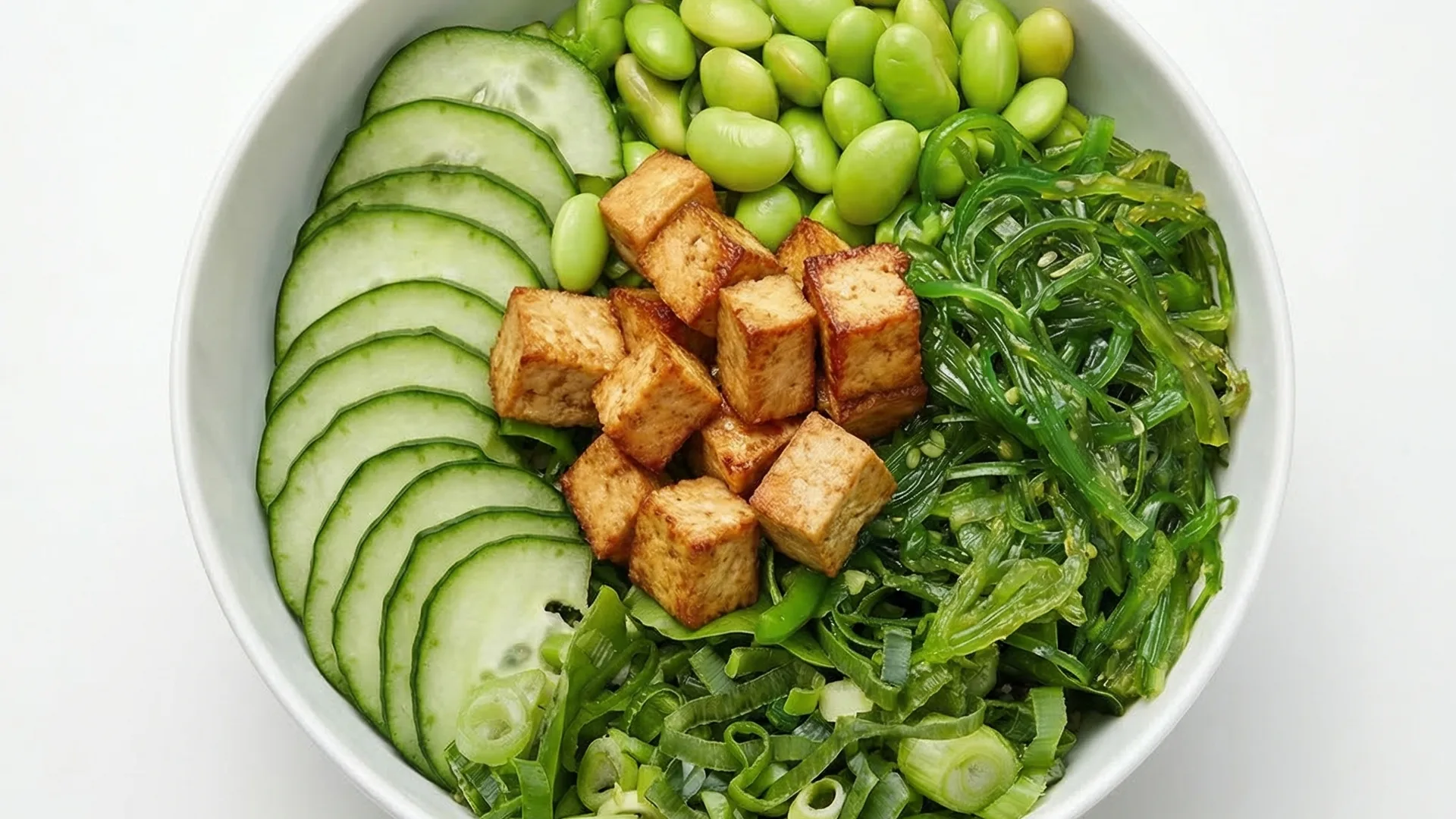
Photos for Uber Eats: get more orders with professional images
FoodyFocus creates professional photos for your Uber Eats restaurant listing in under a minute, with the exact specifications the platform requires. Upload a phone photo of your dish, pick a delivery-optimized style, and download an image ready to upload directly to your Uber Eats Manager — no resizing, no retouching, no paying a photographer. The same tool also works for DoorDash (1200×900 px), Deliveroo (1920×1080 px), Just Eat (1200×800 px) and Glovo (1000×1000 px).
Why do you need professional photos on Uber Eats?
Uber Eats displays restaurant dishes as a grid of tiles with a photo and price. The photo is the first thing the customer sees — before the dish name, before the price. According to industry data, listings with professional photos receive up to 70% more orders than those without photos or with low-quality phone shots. In the hyper-competitive delivery market, a quality photo can be the difference between a customer ordering from your restaurant or the one next to you on the app.
Official Uber Eats photo requirements
Uber Eats specifies clear requirements for menu item photos in their Restaurant Manager: images should be 1200×960 pixels at a 5:4 ratio, JPG or PNG format, under 5 MB, with a clean neutral background (ideally white or a soft solid color), a single dish per photo (no combo plates or scattered sides), no watermarks, no overlaid text, no logos, and no prices. Lighting must be even and the dish must be clearly visible without harsh shadows.
Guide to image sizes and formats for menus and social
How FoodyFocus generates your Uber Eats photos
The full process takes less than a minute per image. First, upload a phone photo of your dish — no professional camera or studio lighting required. Then select the "Delivery app" or "Studio precision" style, both optimized specifically for delivery platforms. The AI recomposes the photo with a clean background (dish on a neutral surface), corrects the lighting, adjusts the colors so the dish looks appetizing on a small screen, and exports the image already cropped to 1200×960 px in JPG format. The file is ready to upload directly to your Uber Eats Manager.
Comparison: phone photo vs FoodyFocus vs traditional photographer
Direct phone photo: free, 30 seconds, but usually shows unprofessional backgrounds, uneven lighting, and the dish at an awkward angle — converts poorly. Session with a food photographer: optimal results but $500–$5,000 in the US, £400–£1,500/day in the UK, 1–3 weeks of waiting, and each menu update requires a new session. FoodyFocus: €19/month for 30 professional photos with the correct composition for Uber Eats, in under a minute per image, with unlimited regeneration when you update the menu.
Also works for DoorDash, Deliveroo and Just Eat
While this page focuses on Uber Eats, FoodyFocus generates preset photos for every major English-language delivery platform: DoorDash (1200×900 px, ratio 4:3), Deliveroo (1920×1080 px, ratio 16:9), Just Eat / Takeaway.com (1200×800 px, ratio 3:2), and Glovo (1000×1000 px, ratio 1:1). The templates update when platforms change their specifications, so your photos always meet current requirements — without you having to check each app's updates manually.
EU-hosted · GDPR compliant
FoodyFocus is a company headquartered in Barcelona, Spain. Your dish photos and personal data are processed and stored exclusively on European servers, in full compliance with the General Data Protection Regulation (GDPR). Customer support by real humans, no chatbots — useful when you need to resolve an issue with your Uber Eats listing without fighting an automated assistant.
Frequently asked questions
What's the exact size for Uber Eats photos?
Uber Eats menu item photos should be 1200×960 pixels at a 5:4 ratio. JPG or PNG format, under 5 MB. Uber Eats also supports larger sizes, but always at the 5:4 ratio. FoodyFocus generates photos directly at 1200×960 px, ready to upload.
Can I put my restaurant logo or price on the photo?
No. Uber Eats explicitly prohibits overlaid text, watermarks, logos, and prices on menu item photos. If you upload a photo with any of these elements, Uber Eats may reject it or ask you to replace it. FoodyFocus generates clean photos by default, without any prohibited elements.
How much can professional photos increase my Uber Eats orders?
According to industry data and Uber Eats' own studies, listings with professional photos can receive 30–70% more orders than those using low-quality phone photos or no photo at all. The impact depends on your restaurant category and local competition — in saturated categories (burgers, pizza, Asian food) the difference tends to be larger.
Does FoodyFocus also work for DoorDash and Deliveroo?
Yes. FoodyFocus generates photos with the exact dimensions for each major delivery platform: Uber Eats (1200×960 px), DoorDash (1200×900 px), Deliveroo (1920×1080 px), Just Eat (1200×800 px), and Glovo (1000×1000 px). A single generation can be exported to all five sizes.
Do AI-generated photos comply with Uber Eats' rules?
Yes. The photos meet all the requirements: correct dimensions, clean background, no watermarks or text, single dish per image, even lighting. The difference is that instead of spending 15-30 minutes retouching each photo in Photoshop or paying a photographer, the AI does it in 30 seconds.
What's the best FoodyFocus style for Uber Eats photos?
For Uber Eats we recommend the "Studio precision" style (white/neutral background, similar to catalog photography) or the "Delivery app" style (composition optimized for delivery apps). Both generate images that highlight the dish on a clean background, which performs best in the Uber Eats grid.
Official source on Uber Eats photo requirements: Uber Eats Restaurant Manager — Add and update photos.
Built by the FoodyFocus team in Barcelona. See who we are →
