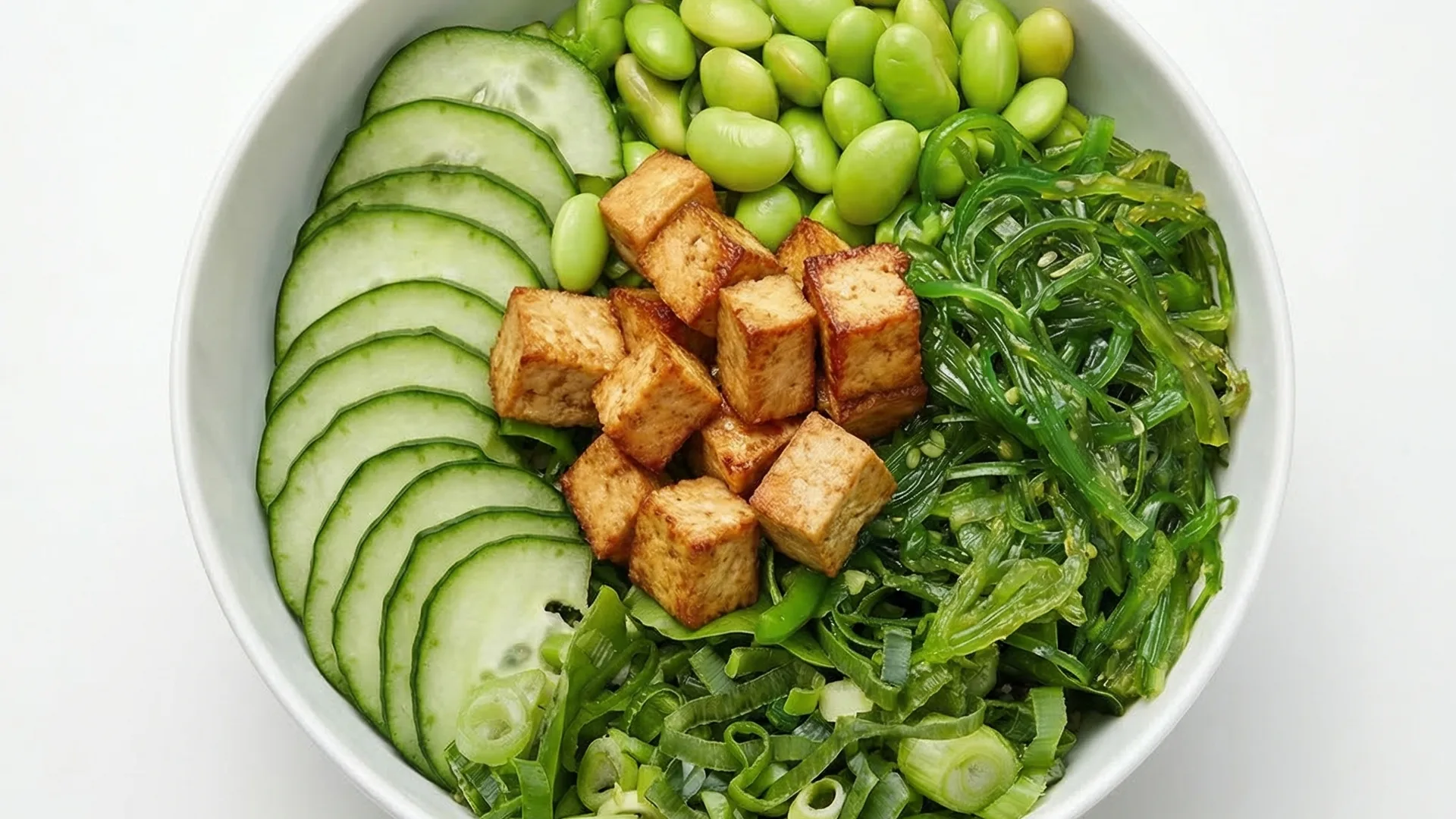
DoorDash photos: get more orders with professional menu images
FoodyFocus creates professional photos for your DoorDash menu in under a minute. Upload a phone photo of your dish, pick a delivery-optimized style, and download an image ready to upload straight to the DoorDash Merchant Portal — clean background, one dish per image, no watermarks or overlaid text. No resizing, no retouching, and no paying a photographer $500-$5,000 for a shoot you'll need to repeat every time the menu changes. The same generation also exports for Uber Eats (1200×960 px), Grubhub, Deliveroo (1920×1080 px) and Just Eat (1200×800 px).
Why photos decide whether you get the DoorDash order
DoorDash shows your menu as a scrollable grid of photo tiles. On a phone screen the image occupies far more space than the dish name or the price, so it is effectively the whole storefront. DoorDash's own merchant guidance is explicit that adding photos to menu items increases order volume, and items without an image are frequently skipped entirely because customers cannot tell what they are getting. In saturated categories — burgers, pizza, wings, sushi — the photo is usually the only thing separating you from the restaurant directly above you in the feed.
DoorDash menu photo requirements
DoorDash asks for high-resolution images at a 4:3 ratio (1200×900 px works well), in JPG or PNG, showing a single finished dish on a clean, uncluttered background. Prohibited: watermarks, logos, prices, promotional badges, overlaid text of any kind, collages of several dishes, and photos of the storefront or staff used as menu items. Lighting must be even, the dish must fill most of the frame, and the image must show the item as it is actually served — a photo that misrepresents portion size is a common cause of customer complaints and refund requests.
Full DoorDash restaurant photo guide
How FoodyFocus generates your DoorDash photos
The whole process takes under a minute per image. Upload a phone photo of the real dish — no camera, tripod or lighting kit required. Choose the "Delivery app" or "Studio precision" style, both built for platform grids. The AI rebuilds the shot with a clean background, corrects uneven lighting, warms the colors so the food reads as appetizing at thumbnail size, and exports at the 4:3 ratio DoorDash expects. Because it works from your actual plate rather than generating a stock-style fake, what the customer sees is what your kitchen sends out.
Beyond photos: what else moves DoorDash orders
Photos are the highest-leverage fix, but they compound with a few others. Photograph every item, not just the bestsellers — items without images convert worst and drag the whole category. Keep one visual style across the menu so your storefront looks deliberate rather than assembled from whatever staff had on their phones. Write descriptions that name the components, since DoorDash search matches on them. Update images when a recipe or plating changes. And re-shoot anything with a rejected or low-quality image before spending money on promotions, because paid placement sends more people to a listing that is already failing to convert.
Comparison: phone photo vs FoodyFocus vs a photographer
Straight phone photo: free and instant, but usually a cluttered pass counter in the background, yellow kitchen lighting, and a shooting angle that flattens the dish — it converts poorly and can look unappetizing at tile size. Professional food shoot: the best possible result, at $500-$5,000 in the US, one to three weeks of lead time, and a fresh invoice every time you change the menu. FoodyFocus: €19/month for 30 professional images with the composition DoorDash expects, under a minute each, and unlimited regeneration when the menu moves.
Also works for Uber Eats, Grubhub and Deliveroo
This page focuses on DoorDash, but FoodyFocus exports the same generation at each major platform's specification: Uber Eats (1200×960 px, 5:4), Deliveroo (1920×1080 px, 16:9), Just Eat (1200×800 px, 3:2), Grubhub, and Glovo (1000×1000 px, 1:1). If you list on several platforms, one upload produces a consistent set — which matters because customers frequently compare the same restaurant across two apps before ordering.
Frequently asked questions
What size should DoorDash menu photos be?
DoorDash uses a 4:3 ratio for menu item images; 1200×900 px is a safe, widely-used target that stays sharp on high-density phone screens. JPG or PNG. FoodyFocus exports at that ratio automatically, so the file is ready to upload to the Merchant Portal without cropping.
Can I put my logo, price, or a promo badge on a DoorDash photo?
No. DoorDash prohibits watermarks, logos, prices, promotional badges, and any overlaid text on menu item images — uploads that include them can be rejected. FoodyFocus generates clean images with none of these elements by default.
Do AI-generated photos comply with DoorDash's rules?
Yes, provided they show the real dish. FoodyFocus works from a photo of your actual plate rather than inventing a dish from a text prompt, so the image represents what you serve — which is DoorDash's core requirement. The output meets the technical rules too: correct ratio, clean background, single dish, no text or watermarks.
How much can better photos increase DoorDash orders?
DoorDash's merchant guidance and wider industry data both point to a meaningful lift from adding quality images, with reported increases commonly in the 20-70% range depending on category and how poor the previous images were. The effect is largest for items that previously had no photo at all, and in crowded categories where every competing tile is competing for the same glance.
Do I need a professional camera?
No. A well-lit phone photo is enough — shoot near a window if you can, and get the whole dish in frame. The AI handles background, lighting, color and composition. That is the entire point: the constraint on most restaurant menus is time and cost, not the phone.
Can I use the same photo on DoorDash and Uber Eats?
Yes, and you should. One generation exports at DoorDash's 4:3, Uber Eats' 5:4 (1200×960 px), Deliveroo's 16:9 and Just Eat's 3:2. Customers often check the same restaurant on two apps, so a consistent image set reads as a more established business.
How much does FoodyFocus cost?
The Free plan includes 3 photos with no card required, which is enough to test the output on your own dishes. Basic is €19/month for 30 photos — typically a full menu — with unlimited regeneration when items change.
Built by the FoodyFocus team in Barcelona. See who we are →
